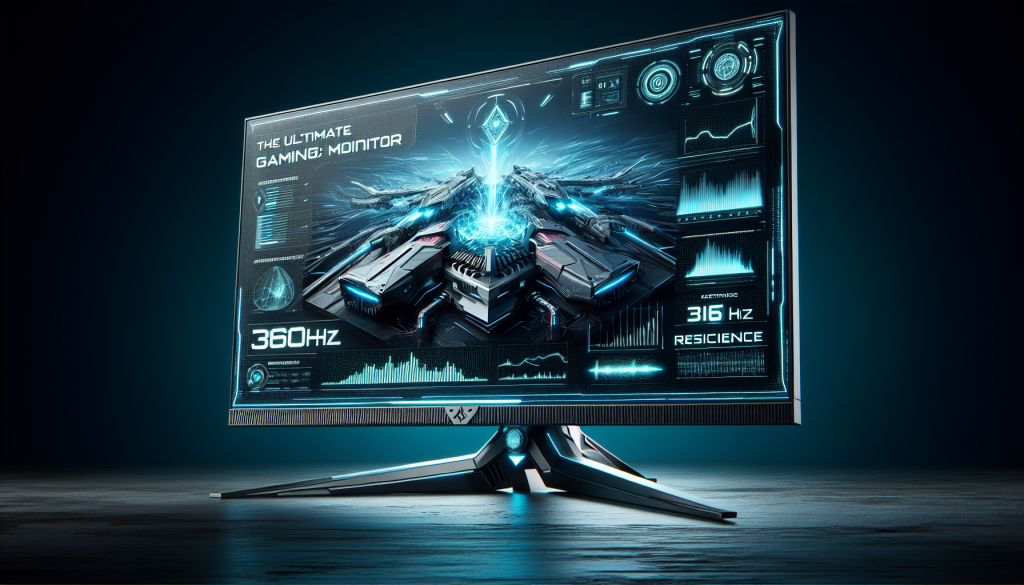
Enter the world of video game competition and immerse yourself in the world of 360Hz screens. Discover the essential criteria for choosing the ideal companion for competitive gamers looking for performance and responsiveness.
Why choose a 360Hz screen?
Choose it good screen can transform your gaming experience, especially if you are a competitive gamer. A 360Hz screen offers unparalleled fluidity and responsiveness. This investment helps reduce motion blur and improve responsiveness, essential for fast-paced games like Counter-Strike: Global Offensive, Valorant Or Overwatch. Every millisecond counts, and these screens let you see every action in real time.
Screen resolution and size
Full HD resolution: The majority of 360Hz screens are limited to Full HD resolution (1920×1080). Although this resolution is not the best in terms of image quality, it requires fewer graphics resources, allowing high refresh rates to be achieved without the need for an ultra-powerful graphics card. This means that games like Valorant Or CS:GO can easily reach 360 FPS with this resolution.
Screen size: For Full HD screens, the recommended sizes are generally 24.5 to 25 inches. This size provides a sharp image without pixels becoming too visible, unlike 27-inch 1080p screens where pixels may be more apparent.
Choosing between IPS and TN: Which panel to choose?
IPS (In-Plane Switching) panels: IPS displays are popular because they offer excellent image quality, good color reproduction and wide viewing angles. Versatile, they are well suited to mixed use including competitive gaming and other multimedia activities.
TN (Twisted Nematic) slabs: TN screens are distinguished by very fast response times, often better than those of IPS. This can be an advantage for games where responsiveness is crucial. However, they offer lower image quality and narrower viewing angles. Choosing between IPS and TN depends on your priorities between image quality and responsiveness.
Response time: Optimal responsiveness
To take full advantage of a 360Hz refresh rate, your display’s response time must follow. Although manufacturers often advertise response times of 0.5 ms or 1 ms, in reality the best displays range between 1.5 and 4 ms. Response times can be influenced by overdrive settings, which, if pushed to maximum, can cause reverse-ghosting effects. It is crucial to consult in-depth tests in order to obtain realistic measurements.
Synchronization technology: G-Sync and FreeSync
Adaptive sync technologies like G-Sync (for NVIDIA cards) and FreeSync (for AMD cards) are essential to reduce tearing and stuttering, thereby improving the gaming experience. Make sure the display you choose supports these technologies for optimal smoothness.
Backlight strobing: For impeccable image clarity
This technology significantly reduces motion blur by briefly turning off the backlight between each image, creating a strobe effect. Different brands have their own implementations: DyAC+ (Zowie), ELMB (ASUS), ULMB And ULMB 2 (NVIDIA), MPRT (MSI), Aim Stabilizer (Gigabyte), and PureXP (ViewSonic). Note that the use of this technology may sometimes require the deactivation of certain features such as VRR (Variable Refresh Rate).
Ergonomics and adjustability for optimal comfort
Most 360Hz displays offer comprehensive ergonomic adjustment options such as:
- Height adjustment : Essential for optimal comfort.
- Tilt and pivot : Adjusting the screen to your preference can help reduce visual fatigue.
- Compact stand : A compact stand helps free up space for the keyboard and mouse, which is crucial for competitive games requiring large mouse movements.